About Autodesk AutoCAD LT 2022
The best 2D Drafting Software - AutoCAD 2022 LT
AutoCAD LT 2022 is a special version of AutoCAD designed for two-dimensional design, as well as for design documentation. The data format, interface, ideology of work are the same as in the full version of AutoCAD. These features of the product make AutoCAD LT a convenient solution for specialists who draw up working documentation or are engaged only in two-dimensional design.Quite a lot of changes have been made to this version of the program. You will definitely want to purchase AutoCAD LT 2022 after you read more about the innovations.
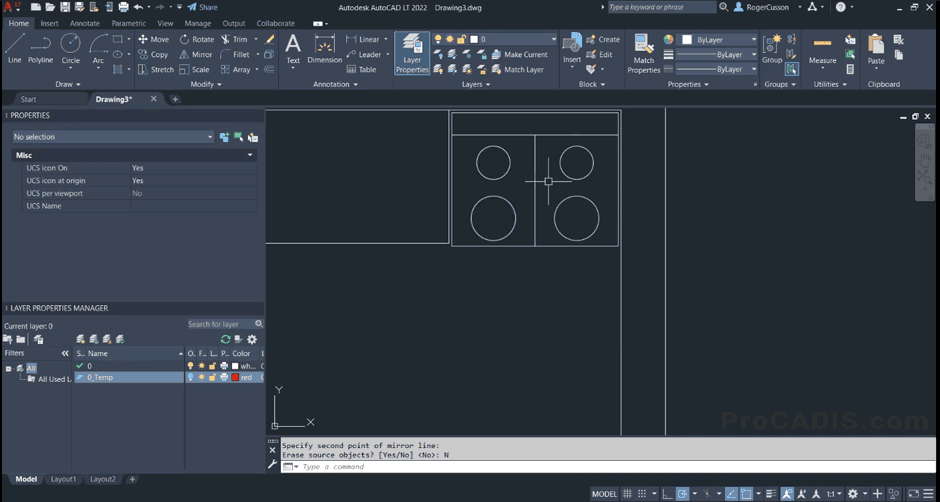
2D Sketching in AutoCAD LT 2022 (main window screenshot)
Key features of AutoCAD LT 2022
COUNT command
Added the COUNT command, a very useful automation that reduces manual work and reduces the likelihood of errors. COUNT counts the number of objects or blocks similar to the one you selected using the geometric search procedure. The function finds all objects of the same shape, regardless of size and orientation, in drawings in different views and with different scales. Individual counters are stored in a dynamic table that updates the counters when objects or blocks are added or deleted. Calculations can be exported to a BOM, making it easier to do what most CAD users find routine.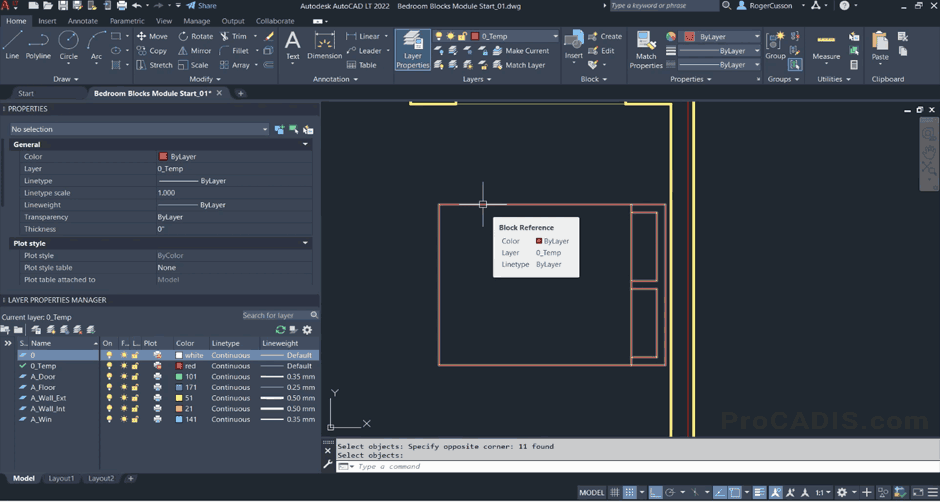
Working with Blocks in AutoCAD LT 2022
Floating windows
Previous versions of AutoCAD allowed you to open multiple drawings at the same time, but in multiple tabs, which only allowed you to view them one at a time. The floating window was one of the most popular requests from AUGI and beta users. In AutoCAD LT 2022, you can drag the tab to a separate new window so you can see two drawings at the same time. The new window can be docked in the same Autodesk frame or outside of it on a different monitor. This is similar to another AutoCAD program running on your workstation.Collaboration
Users can now take a drawing, create a URL, and very quickly send it to someone by providing access to the drawing and associated xrefs.Share command
The Share command allows users to share their version of a drawing using a URL. Your collaborator will be able to measure, zoom, pan, and more. The shared version does not support a dynamic link to a drawing. All you have to do is click Share, get the URL, and email it. Recipients will be able to immediately open this in AutoCAD on the web or on a mobile device. They do not need to have AutoCAD installed. Any project engineer will be able to connect, comment, view the drawing, or even edit it a little.The Trace command
The Trace command provides another opportunity for collaboration. It allows collaborators to view the drawing and make notes on a separate layer - as if on tracing paper. Collaborator notes or red lines do not affect the drawing itself. When the original DWG is opened, you are notified of the revised layer and can use them to make changes to the DWG.Trace allows users to create accurate geometry. Previously, corrections were drawn with a finger or stylus and were therefore rough.
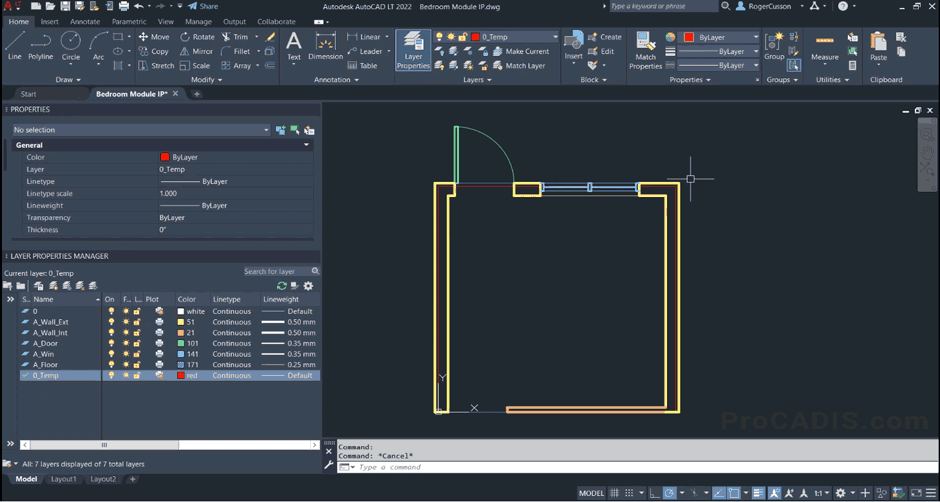
Working with Layers in AutoCAD LT 2022
AutoCAD LT is designed for the development of design concepts, drafting and detailing. 2D drawings are highly accurate, easy to edit and demonstrate to all interested parties. There are versions of the product for Windows and Mac, which allows you to prepare project documentation on a familiar platform.
Make your workflows efficient with the benefits of AutoCAD LT 2022:
- Design Ideas - Accurately document ideas and designs with a comprehensive set of CAD tools for 2D drafting and detailing.
- Collaboration - Securely share files in AutoCAD LT using proprietary DWG technology, and interact with peers and clients across multiple platforms.
- Increase Productivity - Produce project documents efficiently with high drafting performance and intuitive interactions.
Do you want to buy a legal version of AutoCAD LT 2022 and save some money? Then order this program from ProCADIS, and we promise to give you a great discount!
Systemanforderungen · Windows
| Betriebssystem | 64-bit Microsoft® Windows® 10. |
|---|---|
| Prozessor | Basic: 2.5–2.9 GHz processor Recommended: 3+ GHz processor |
| Arbeitsspeicher | Basic: 8 GB Recommended: 16 GB |
| Bildschirmauflösung | Herkömmliche Bildschirme: 1920 x 1080 mit True Color Hochauflösende und 4K-Bildschirme: Resolutions up to 3840 x 2160 supported on Windows 10 (with capable display card) |
| Grafikkarte | Basic: 1 GB GPU with 29 GB/s Bandwidth and DirectX 11 compliant Recommended: 4 GB GPU with 106 GB/s Bandwidth and DirectX 12 compliant |
| Speicherplatz | 10.0 GB |
| Zeigegerät | MS-Mouse-kompatibel |
| .NET Framework | .NET Framework version 4.8 or later |
Systemanforderungen · Mac
| Betriebssystem | !!! macOS Ventura does NOT supported!!! Apple® macOS® Monterey v12 Apple® macOS® Big Sur v11 Apple macOS Catalina v10.15 Apple macOS Mojave v10.14 |
|---|---|
| Model | Basic: Apple Mac Pro® 4.1, MacBook Pro 5.1, iMac® 8.1, Mac mini® 3.1, MacBook Air®, MacBook® 5.1 Recommended: Apple Mac® models supporting Metal Graphics Engine Apple Mac models with M series chip are supported under Rosetta 2 mode. |
| CPU Type | 64-bit Intel CPU Recommended: Intel Core i7 or higher |
| Arbeitsspeicher | Basic: 4GB Recommended: 8GB or higher |
| Bildschirmauflösung | Basic: 1280 x 800 display High Resolution: 2880 x 1800 with Retina Display |
| Speicherplatz | 4 GB free disk space for download and installation |
| Zeigegerät | Apple-compliant Mouse, Apple-compliant Trackpad, Microsoft-compliant mouse |
| Grafikkarte | Recommended: Mac native installed graphics cards |
| Disk Format | APFS, APFS(Encrypted), Mac OS Extended (Journaled), Mac OS Extended (Journaled, Encrypted) |
Ready to get a discounted Autodesk AutoCAD LT 2022 license?
In den Warenkorb
1 month · €32.95 · Change


